We have optimised and managed more than a hundred Google Business Profiles for restaurants and cafés. The pattern is consistent enough to be almost boring: the same six or seven fields are wrong, and fixing them changes visibility.
This is the checklist we work through, in priority order.
1. Ownership and duplicates
Before anything else, confirm you actually control the listing. Restaurants are frequently listed by third parties — a delivery platform, a previous agency, an enthusiastic customer. And duplicates are common after a move or rebrand.
Duplicates are worse than they look. Reviews split across two listings, ranking signals split with them, and guests land on whichever version Google decides to show, which may have the wrong hours. Merge them.
2. Primary category
The heaviest lever on the entire profile. Google uses it to decide which searches you are eligible for.
Be as specific as accuracy allows. "Restaurant" is almost always wrong when a more precise category exists — "Biryani restaurant", "Karak stall", "Neapolitan pizza restaurant", "Cloud kitchen", "Breakfast restaurant". Then add secondary categories to extend reach without diluting the primary signal.
A useful test: search the terms you want to appear for, look at who ranks, and check what categories they use. If every restaurant above you is specific and you are generic, that is your answer.
3. The menu, in Google's own fields
Not a PDF. Not a link to a delivery app. Google's structured menu fields, with every dish, a description and a price.
Two reasons. Those fields are searchable and shown directly in results, and dish names are exactly the terms people type. This is the closest thing to free ranking improvement a restaurant has access to, and most profiles leave it empty.
4. Business information
- Name. Exactly your business name. Adding keywords to it violates policy and risks suspension.
- Address. One canonical format, used identically everywhere else online.
- Phone. A number that is actually answered during opening hours, per outlet.
- Hours. Including special hours for public holidays and Ramadan. Nothing costs more goodwill than a guest arriving at a closed restaurant.
- Opening date. Contributes to how established the business appears.
5. Attributes and services
Every applicable attribute filled in: dine-in, takeaway, delivery, outdoor seating, family friendly, accessibility, payment methods, dietary options. These are used as filters by guests and as relevance signals by Google, and they take twenty minutes to complete once.
6. Photos, on a schedule
Google surfaces recent photos prominently, and guests read them as evidence of a currently operating restaurant. The metric that matters is recency, not total count.
Practically that means adding new images monthly rather than uploading forty once. Cover the food primarily, then the interior, the exterior and the team. If arranging photography regularly is not realistic — and for most restaurants it is not — AI food photography makes a monthly cadence achievable from phone photos taken during prep.
7. Google Posts, weekly
Posts reach people at the exact moment they are choosing where to eat, which no other channel does. They have a short lifespan, so consistency matters more than effort per post.
Use them for offers, new dishes, events and seasonal campaigns, with terms relevant to your cuisine and your area. In most UAE markets, almost nobody publishes them consistently — which makes a weekly post an unusually cheap advantage.
8. Reviews, all of them answered
Reply rate affects ranking and it changes how the listing reads. A page where every review has a response looks like a business paying attention, particularly beside a competitor where none do.
Reply within a working day. Address what the guest actually said rather than posting a generic apology. Never argue in public, even when you are right — the reply is written for the next forty people reading it, not for the complainant. And escalate anything serious (hygiene, illness, staff conduct) to a person before publishing anything.
At high review volumes this stops being manually feasible, which is what ReplyReviews exists for: routine replies handled automatically in your voice, sensitive ones held for a human.
9. Questions and answers
An underused section. Anyone can answer a question about your business, including people who do not work there. Seed it with the questions you actually get — parking, halal status, group bookings, dietary options — and answer them as the owner.
10. Read the reporting
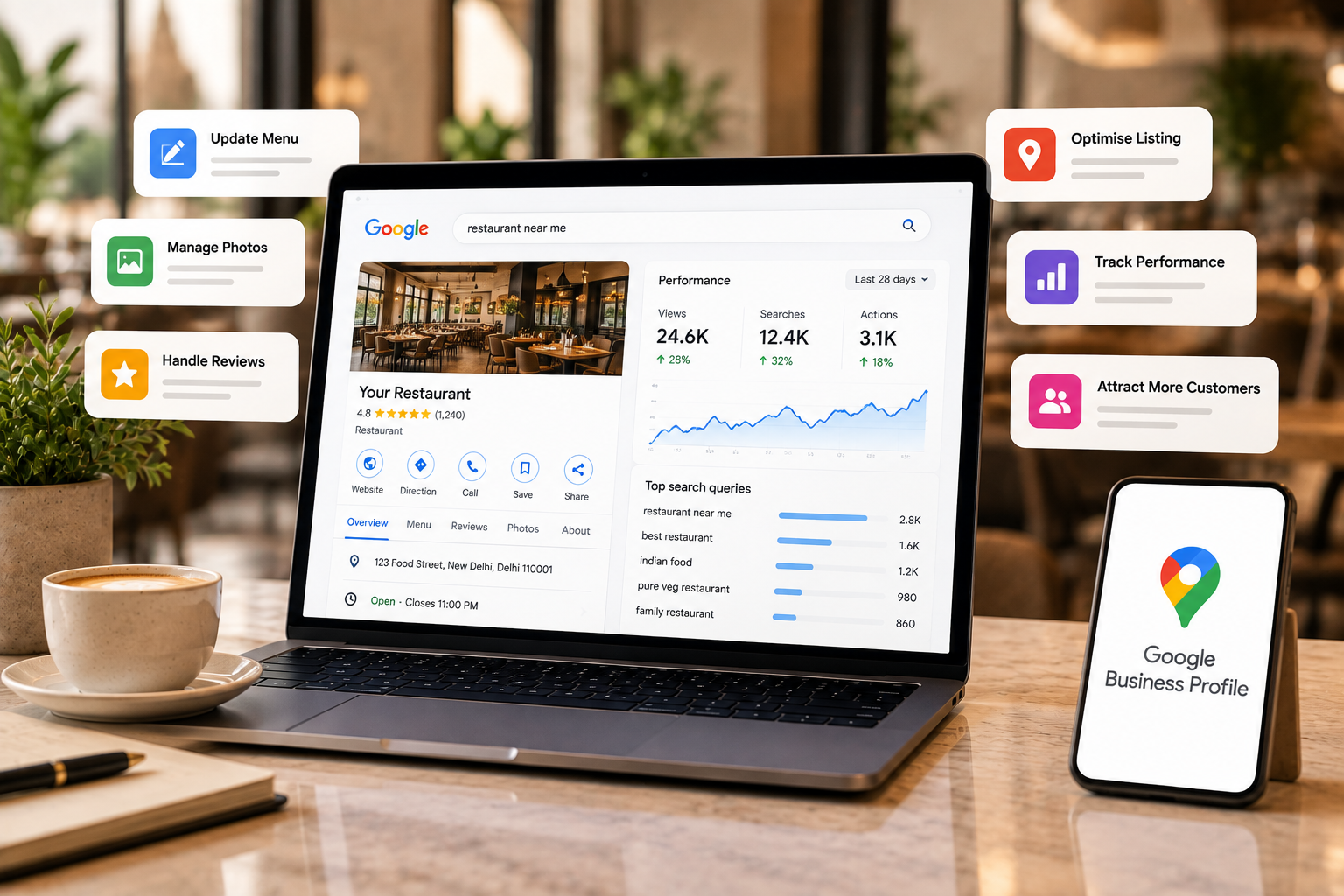
The metrics that matter for a restaurant profile are calls, direction requests, website taps, menu views and the search terms people used. Impressions are context. A profile can gain impressions while losing customers if the photos and rating are working against it.
Multi-outlet groups
Everything above scales linearly with locations, which is where it breaks down in practice: the flagship gets attention and the other branches drift, which shows up in the ratings within a couple of quarters. Consistent naming, correct individual information per branch, and reviews answered everywhere is a different discipline from managing one profile well — see Google Business Profile management for how we handle it.